How to check whether an RV or camper is level with iPhone
Check side-to-side and front-to-back camper tilt with an iPhone, a consistent reference surface and a repeatable leveling procedure.
Quick answer
Check the camper in two directions on the same rigid interior surface. Use the phone as a tilt indicator, then follow the vehicle and leveling-system instructions to make adjustments. A centered reading at one point does not prove every part of the vehicle is level.
Step by step
Choose a consistent measuring location
Park on stable ground and follow the parking and securing procedure in your vehicle manual. Choose a rigid floor or countertop that represents the vehicle body. Avoid upholstery, removable tables and surfaces whose own tilt is unknown.
Check the phone before checking the camper
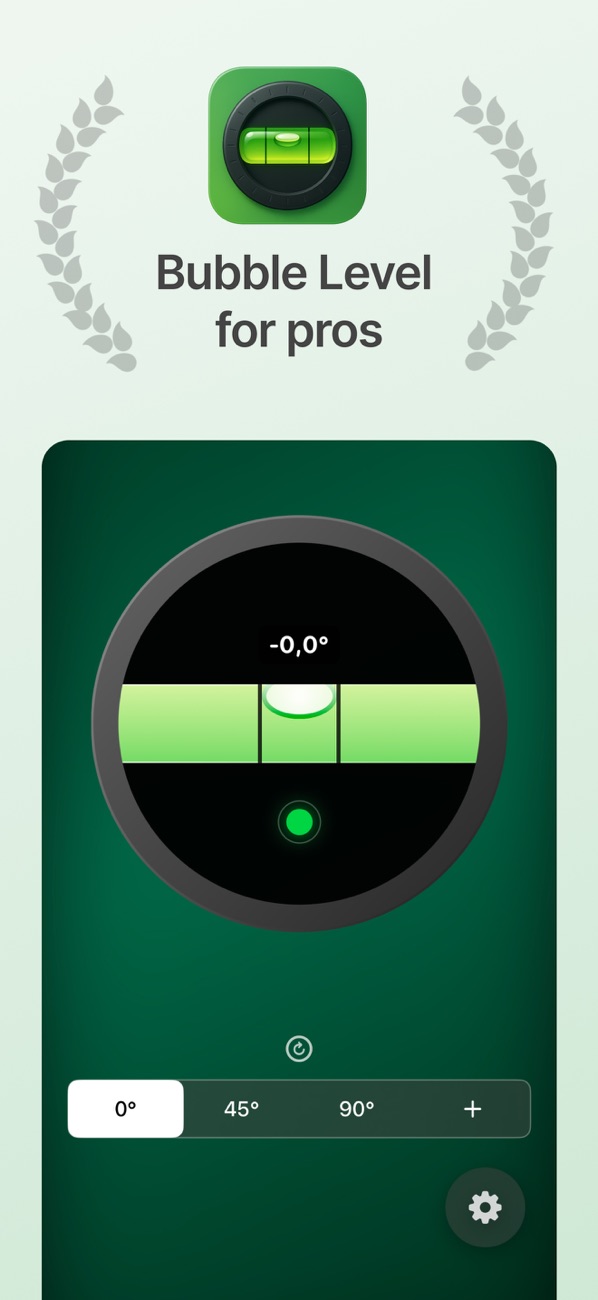
Calibrate Bubble Level & Angle Finder against an independently level reference. Use the same case and contact edge afterward. Setting zero on the tilted camper would hide the tilt you need to measure.
Measure both directions
Set the target to 0°. Read side-to-side tilt, then rotate the phone to check front-to-back tilt. Note which side is lower. Repeat each placement so a camera bump or a loose surface does not mislead you.
Adjust with the approved leveling system
Use the equipment and sequence specified for your vehicle, then remeasure both directions. Stabilizers and lifting or leveling jacks can have different purposes; use each only as instructed. Recheck after occupants or loads move.
Example: two checks, one reference
A countertop may show 0° across the vehicle but a noticeable slope toward the front. Correcting only the side-to-side reading leaves that second slope unchanged. Marking one repeatable measuring spot helps you compare before and after adjustments.
Before you use the result
A phone is a checking aid, not a jack controller or a guarantee of vehicle stability. Use the vehicle and appliance manufacturers’ leveling limits; do not invent a universal acceptable angle.