Built for DIY users, carpenters, installers, photographers and campers
A precise bubble level and angle finder in your pocket
Turn your iPhone into a clean digital spirit level, inclinometer and angle meter with calibration, custom targets, adjustable tolerance, sound and haptic confirmation.
Get shelves, frames, tiles and cuts right the first time.
 Bubble Level & Angle FinderUtilities
Features
Everything you need to get the result
Calibrate for cases, magnets and device variance
Target 0°, 45°, 90° or any custom angle
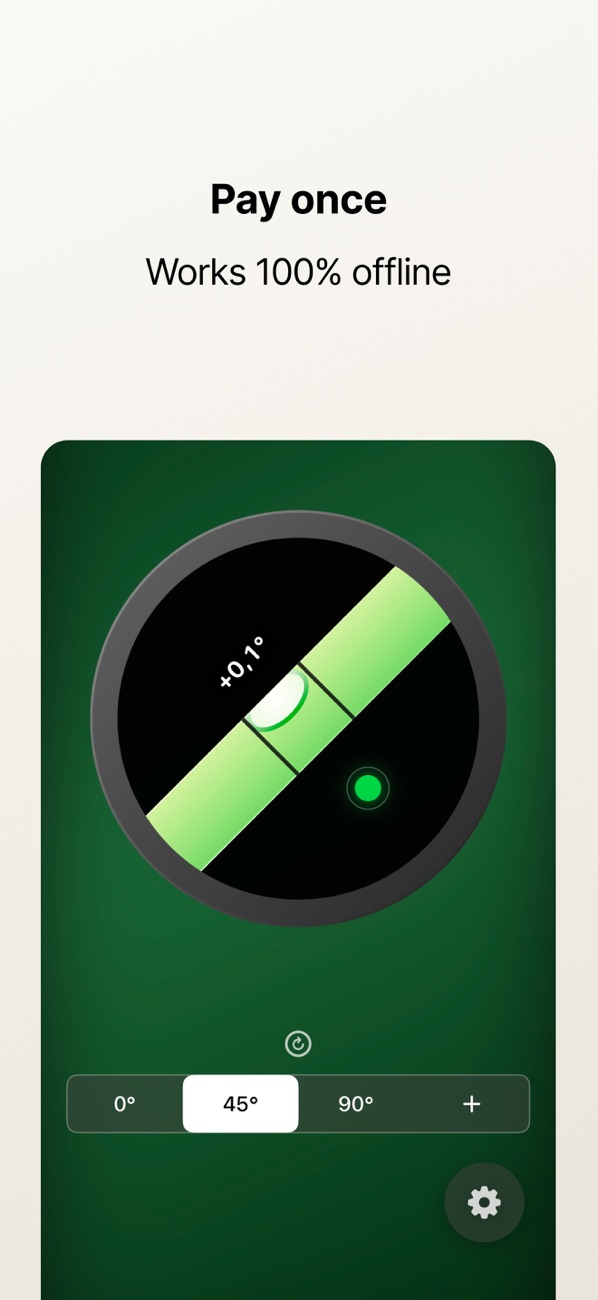
Optional haptic and sound confirmation; works offline
Check a surface with a calibrated phone
Use stable contact, a known reference and a repeated reading for everyday alignment.
Choose a reliable reference
Remove an uneven phone case and follow the app’s calibration workflow on a surface you have independently checked.
Place the phone consistently
Use a suitable edge or supported orientation and keep it still. Avoid camera bumps or debris that tilt the device.
Repeat and confirm
Read again after repositioning. Use a suitable dedicated measuring tool when accuracy affects safety or construction.
App Store
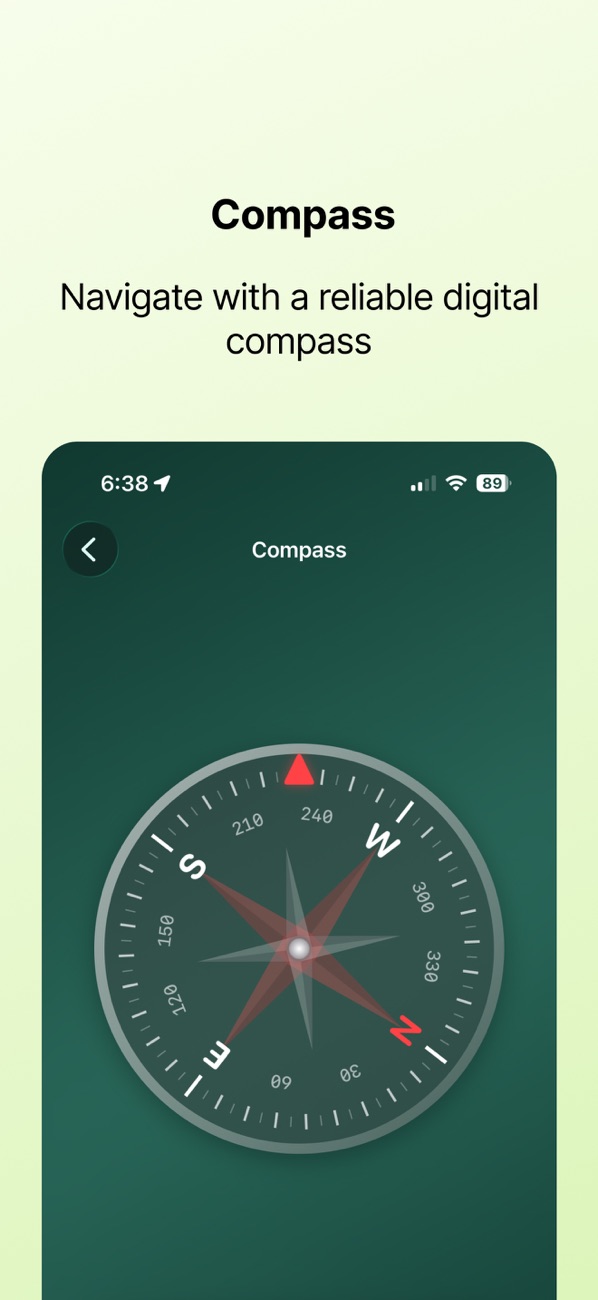
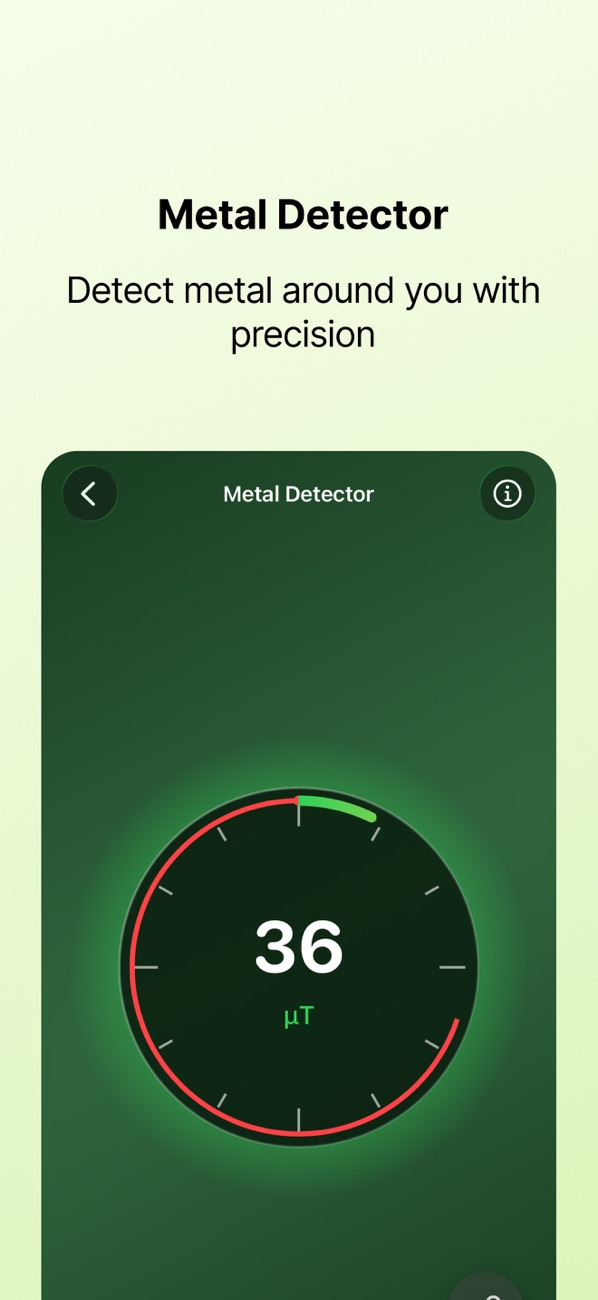
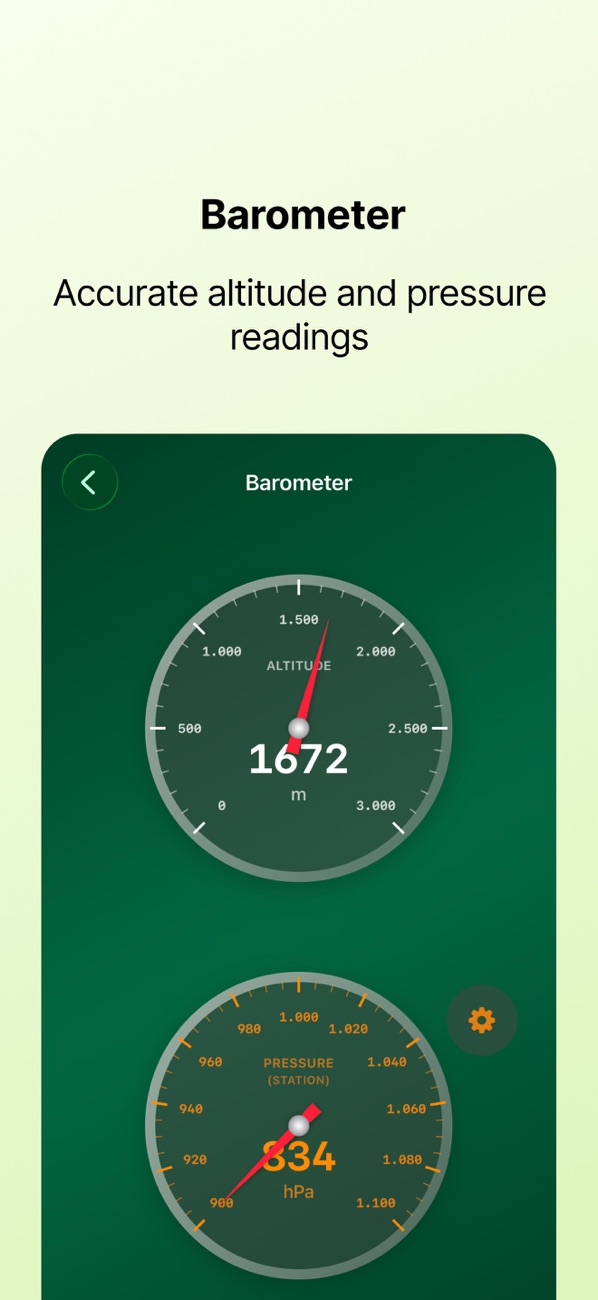
See the app in action
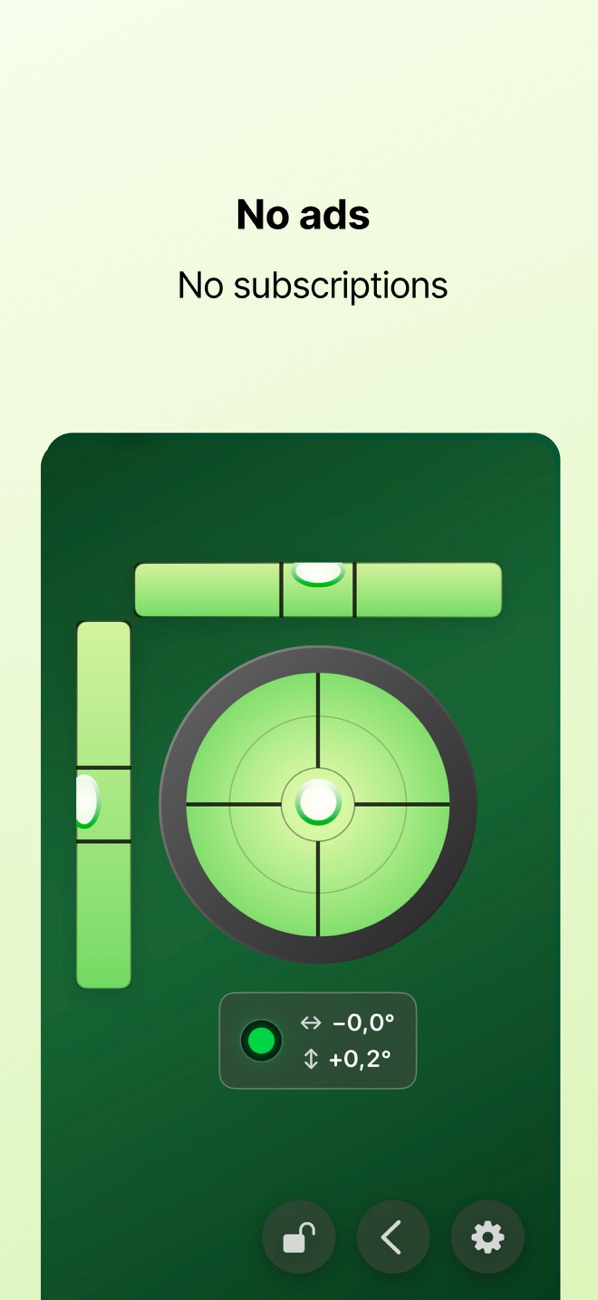
Current product screenshots from the App Store listing.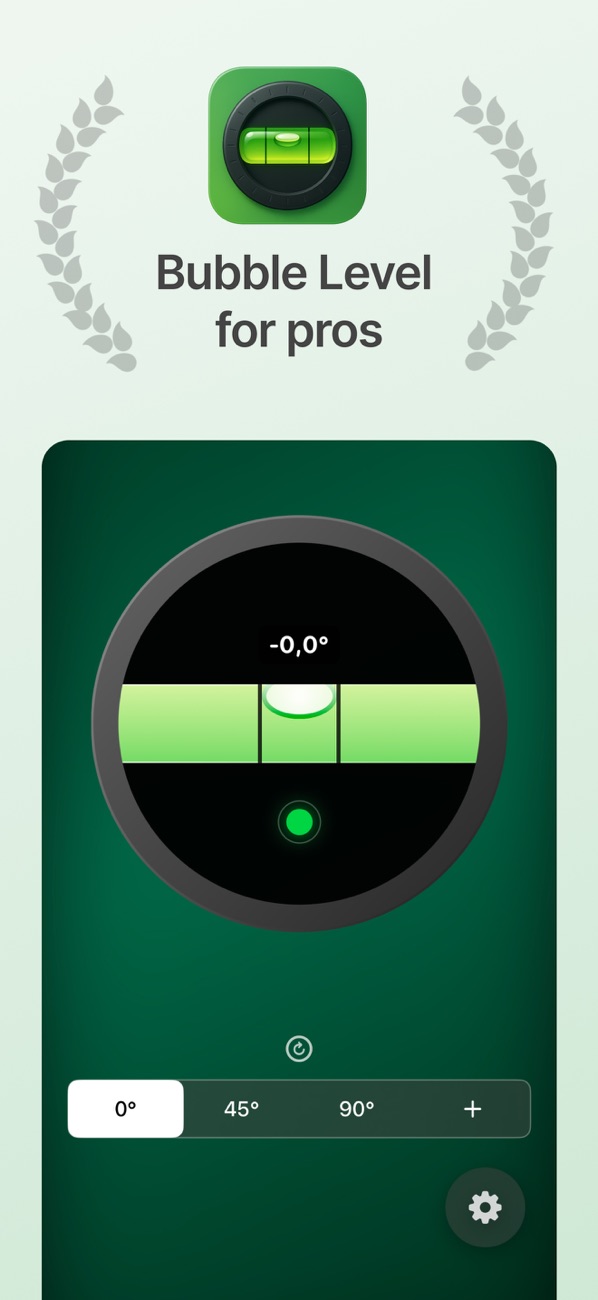
Practical guides
Practical guides
Practical instructions, examples and checks for your next project.Practical guide
How to use an iPhone bubble level on a surface
Read guide →Practical guideUse a phone level to align a picture frame
Read guide →Practical guideHow to measure an angle with iPhone: calibrate, place and check
Read guide →Practical guideHow to check whether an RV or camper is level with iPhone
Read guide →Practical guideCheck an angle before planning a miter cut
Read guide →Practical guideCalibrate an iPhone digital level before measuring
Read guide →FAQ
Frequently asked questions
Does it work without internet?
Yes. Core leveling and angle measurement work fully offline.
Can I calibrate it?
Yes. Calibration compensates for a case, magnet or device variance.
Can I set a custom angle?
Yes. Choose standard targets or enter a custom angle.
How do I know when it is level?
The display, optional haptics and optional tone confirm when you are within tolerance.
Ready to get started?
Try Bubble Level & Angle Finder and turn the next task into a finished result.
Download on the App Store