How to measure an angle with iPhone: calibrate, place and check
Measure a surface angle with your iPhone. Learn how to calibrate, choose a target and check repeatability before adjusting a shelf or a slope.
Quick answer
An iPhone measures the tilt of the surface touching it. Start with a flat reference, calibrate the app, and place the same straight edge of the phone against the surface you want to check. An angle reading is only useful when the phone makes stable contact.
Step by step
Start with a reliable reference
Remove a case that rocks, or keep it on for both calibration and measurement. Rest the phone on a surface you have independently checked with a spirit level. In Bubble Level & Angle Finder, use Calibration in Settings; do not calibrate on the unknown slope you are trying to measure.
Choose the angle you need
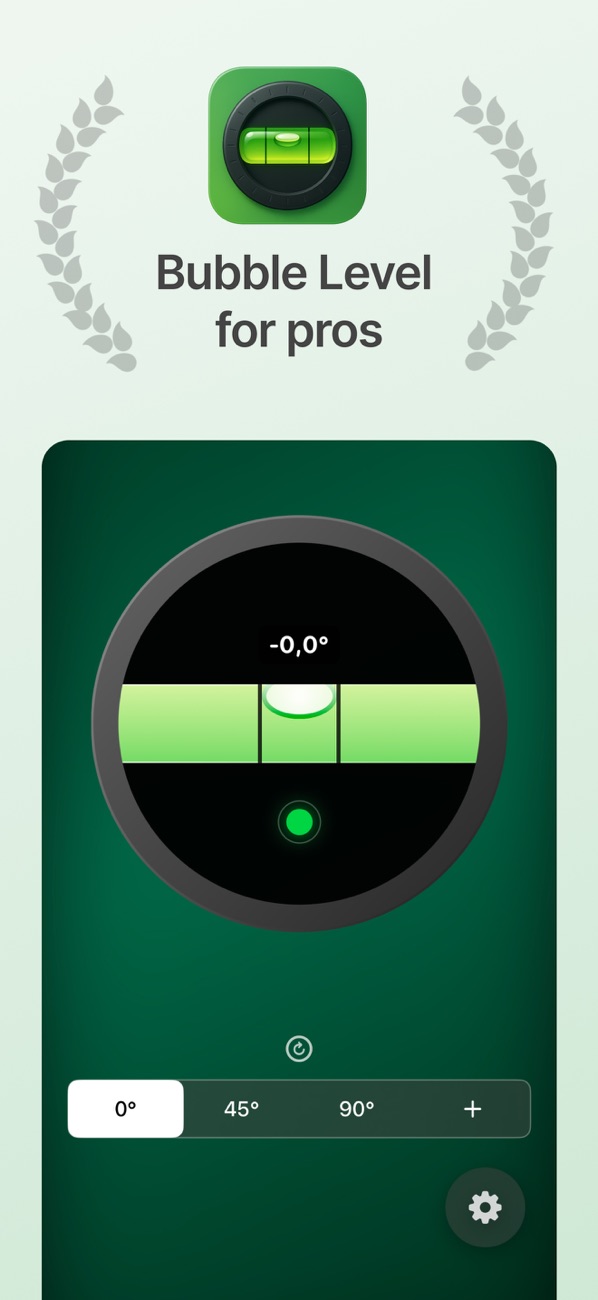
Choose 0° for a horizontal surface, 90° for a vertical surface, or a custom target such as 5°. Adjustable tolerance controls when the app confirms the target; a wider tolerance does not make the sensor more accurate.
Use the same contact edge
Hold the straight edge firmly against the surface and wait for the readout to settle. Keep the camera bump away from the contact area. Lift the phone and repeat the placement to check that you get a similar result.
Adjust and verify
Move the object a little at a time. Optional sound and haptics let you know when you are within the chosen tolerance. Recheck with a separate level or angle gauge before drilling, cutting or fixing the object permanently.
Example: checking a shelf
Set a 0° target and place the phone along the front edge of the shelf. Adjust one bracket, then check the left-to-right tilt again. Turn the phone to check front-to-back tilt separately: a shelf can be level in one direction and tilted in the other.
Before you use the result
The app uses your phone sensors; a case, a curved surface or an uneven contact point can change the reading. It does not measure a room corner from a photograph or certify construction tolerances.